Apple Watch

Track your paddle from your Apple Watch

Start, pause and stop sessions from your wrist. Paddlor on Apple Watch records GPS independently, so your phone can stay safe in the dry bag.

Download on the App Store
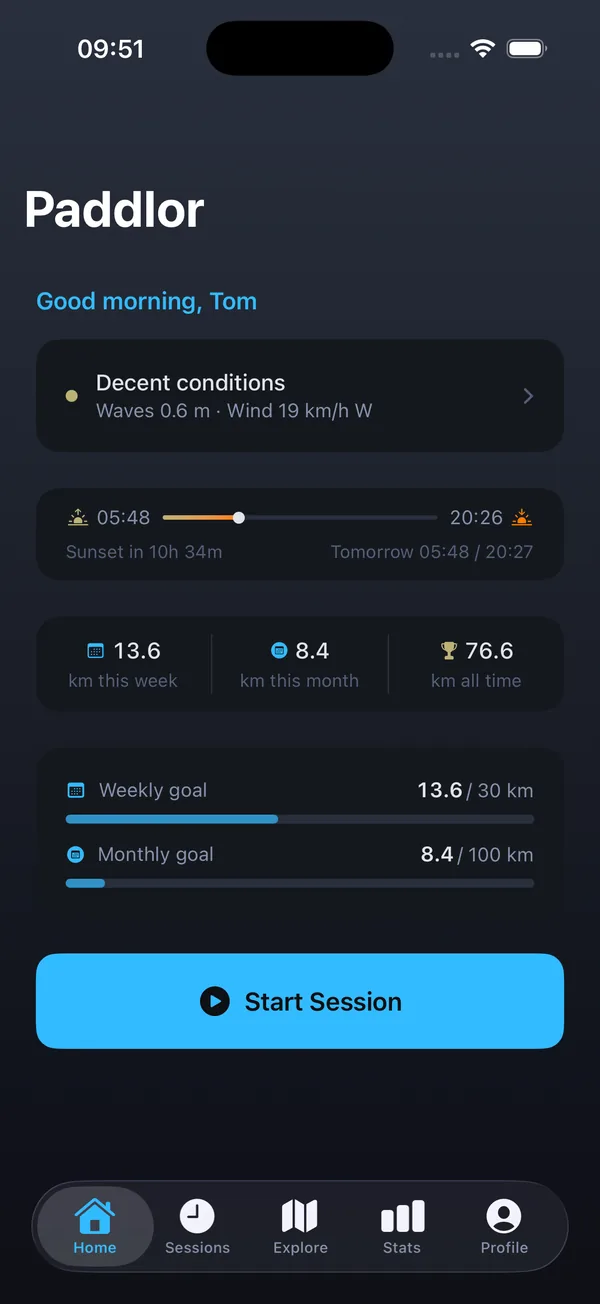
Paddlor iPhone home screen that syncs with the Apple Watch app

Made for the water

Choose SUP or Kayak, tap Start and go. The active screen keeps your elapsed time, distance and speed big and easy to read with the Pause and Stop buttons close by.

  • Craft picker: SUP or Kayak
  • Live time, distance and speed
  • Pause and Stop from your wrist

GPS on the Watch itself

The Watch records GPS on its own, so you do not need your phone with you on the water.

Syncs to your iPhone

When you stop a session, it transfers to Paddlor on iPhone automatically. If your phone is out of range, the Watch retries once it is back in range.

Requirements

Paddlor needs iOS 17 or later on iPhone and watchOS 10 or later on Apple Watch.

Frequently asked questions

Do I need my iPhone to track a paddle with Apple Watch?

No. The Apple Watch app records GPS by itself. Your session syncs to your iPhone later.

How do I install Paddlor on Apple Watch?

Install Paddlor on your iPhone, then add it to your Watch from the Watch app on your iPhone.

Why has my Watch session not synced?

Bring your Watch and iPhone close together. The Watch queues sessions and retries the transfer automatically.

SUP trackerLearn more →Kayak trackerLearn more →Paddle forecastLearn more →

Our sister app

Paddle on the surface. Dive below.

Fathom: Freedive is a freediving training app for iPhone, from the same crew and with the same look and feel — CO₂ and O₂ tables, guided breathwork, a dive log and personal bests. Use either app on its own, or both if you paddle and dive.

Explore Fathom at fathomfreedive.app

Get Paddlor free on iPhone

Download on the App Store